Roofing Takeoff Software for Australian Roofers
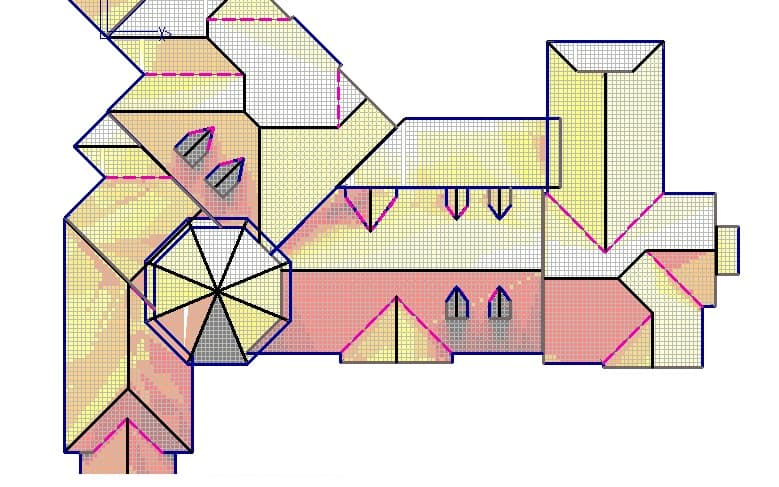
Roofing takeoff software measures roof planes, ridges, hips, and gutters from a plan, applies pitch and waste factors, and feeds the quantities into a priced quote. Roofing is unforgiving on takeoff accuracy: a missed pitch factor blows the sheet count. QR-rise links each roof measurement to its estimate line so the price updates the moment the takeoff changes.
Roof takeoff is harder than most trades’ measuring because the plan shows a flat projection of a sloped surface. Get the geometry right, and the rest of the quote is arithmetic; get it wrong and you are short on sheets with the crane already booked. QR-rise brings the whole roof takeoff on-screen as construction takeoff software with pricing attached, so quantities and dollars stay in lockstep.
Plan area versus true roof area: the pitch factor
A roof plan shows the horizontal footprint of each roof plane, but material covers the sloped surface, which is always larger. The correction is the pitch factor: true area equals plan area multiplied by a factor derived from the roof pitch. As an indicative example, a plane that measures 100 m² on the plan needs roughly 103 m² of covering at a shallow pitch of around 15 degrees, and roughly 115 m² at 30 degrees. The steeper the roof, the bigger the gap between what the plan shows and what you must supply. Skip the factor on a steep roof and the shortfall can run to whole packs of sheets or pallets of tiles.
In QR-rise, you measure the plan area on-screen and apply the pitch adjustment through the estimate line, so the factor is explicit and auditable rather than a mental correction someone forgot to make.

What roofing takeoff software measures on a roof
A roof takeoff is a form of quantity takeoff: you pull measured quantities off the plan and price them. A complete roof takeoff uses all three measurement types, and QR-rise handles them in the one job:
- Areas: each roof plane, measured as its plan area and adjusted for pitch. Measure planes separately where pitches differ.
- Lengths: ridges, hips, valleys, gutters, barge and fascia lines, all priced per lineal metre for capping, valley trays, gutter runs and trims.
- Counts: penetrations and fittings such as vents, flues, skylights and downpipes, priced per unit, including the flashing work each one drags in.

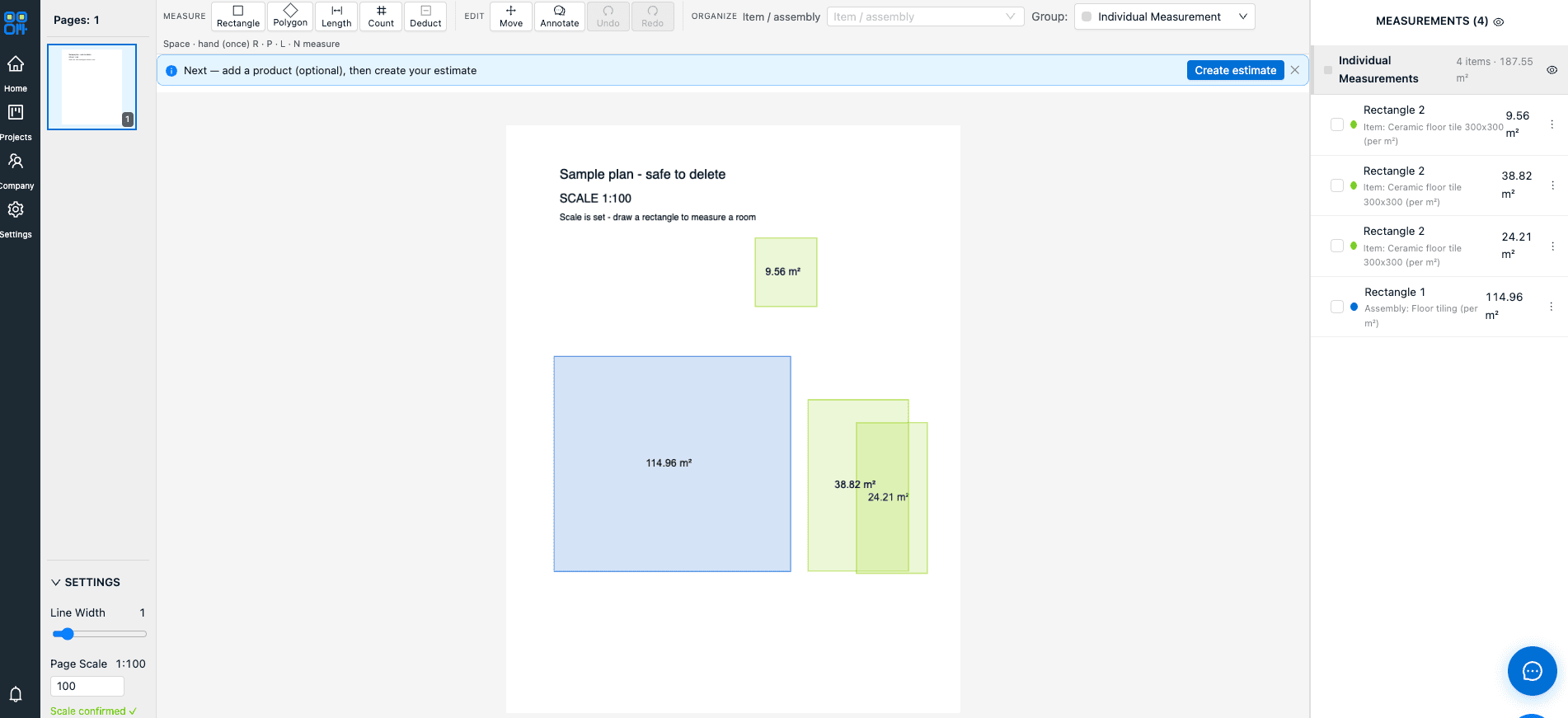
Set the scale once on the plan page and every plane, ridge line and gutter run is calibrated. AI-assisted detection can help pick up repetitive elements, and every measurement links to an estimate line so a re-measured valley updates the price instantly.
Waste factors that reflect the roof, not a habit
Roof waste is driven by geometry. A simple gable with long straight runs wastes little; a cut-up hip-and-valley roof wastes more because every hip and valley creates offcuts. Rather than burying a flat percentage in the rate, QR-rise carries waste as line-item allowances, so you can run a lower factor on the plain planes and a higher one on the cut-up sections, and the client-facing quote still reads cleanly.
Sheet versus tile: what changes in the estimate
The takeoff is the same; the pricing logic differs. Sheet roofing is ordered in custom lengths, so long clean runs waste little, but every hip and valley turns into offcut, while lengths, flashings and fixings are itemised per lm and per unit. Tiles are ordered by area with a waste factor for cuts, plus ridge and hip capping per lineal metre and sarking by area. With a reusable rate library, you keep a rate set per profile and product: per m² for coverage, per lm for cappings and gutters, per unit for penetrations. Every quote draws on the same numbers until you update them.
The roof quoting workflow in QR-rise
- Upload the roof plan PDF and set the scale once.
- Measure each roof plane as an area, keeping different pitches on separate measurements.
- Measure ridges, hips, valleys, gutters and barge as lengths.
- Count penetrations and fittings.
- Apply pitch and waste through the estimate lines, priced from your rate library.
- Review the estimate: pricing is computed server-side, so the total always matches the takeoff.
- Send the branded PDF quote for online approval, with GST and any provisional sums handled, then convert to an invoice with staged payments if needed.
Because QR-rise is cloud-based, the takeoff done in the office is on your tablet at the site meeting.
Quote your next roof with QR-rise
QR-rise gives Australian roofers on-screen roof takeoff, pitch-aware pricing and branded quotes in one platform. Start the 30-day Pro trial and measure your next roof from the plan. A free capped plan is available if you want to trial the takeoff tools first.
Frequently asked questions
How do you calculate roof area from a plan?
Measure the plan (horizontal) area of each roof plane, then multiply by the pitch factor for that plane’s slope. Steeper pitches mean larger factors. Measure planes with different pitches separately so each gets the correct adjustment.
What waste factor should I use for roofing?
It depends on the roof shape and material. Simple gable roofs with long runs need less waste than cut-up hip-and-valley roofs, and tiles behave differently from sheets. Treat any published percentage as a starting point and keep waste visible as a line item so you can tune it per job.
Can roofing takeoff software measure gutters and downpipes?
Yes. In QR-rise, gutters, fascia and barge are measured as lengths priced per lineal metre, and downpipes are captured as counts priced per unit, in the same takeoff as the roof planes.
Is roofing takeoff software worth it for a small roofing business?
If you quote from plans at all, on-screen takeoff pays for itself quickly in time saved and misses avoided. QR-rise’s free capped plan lets a small operator prove the workflow before paying for Pro.